
Backup basics
Why do you need off-site backup?
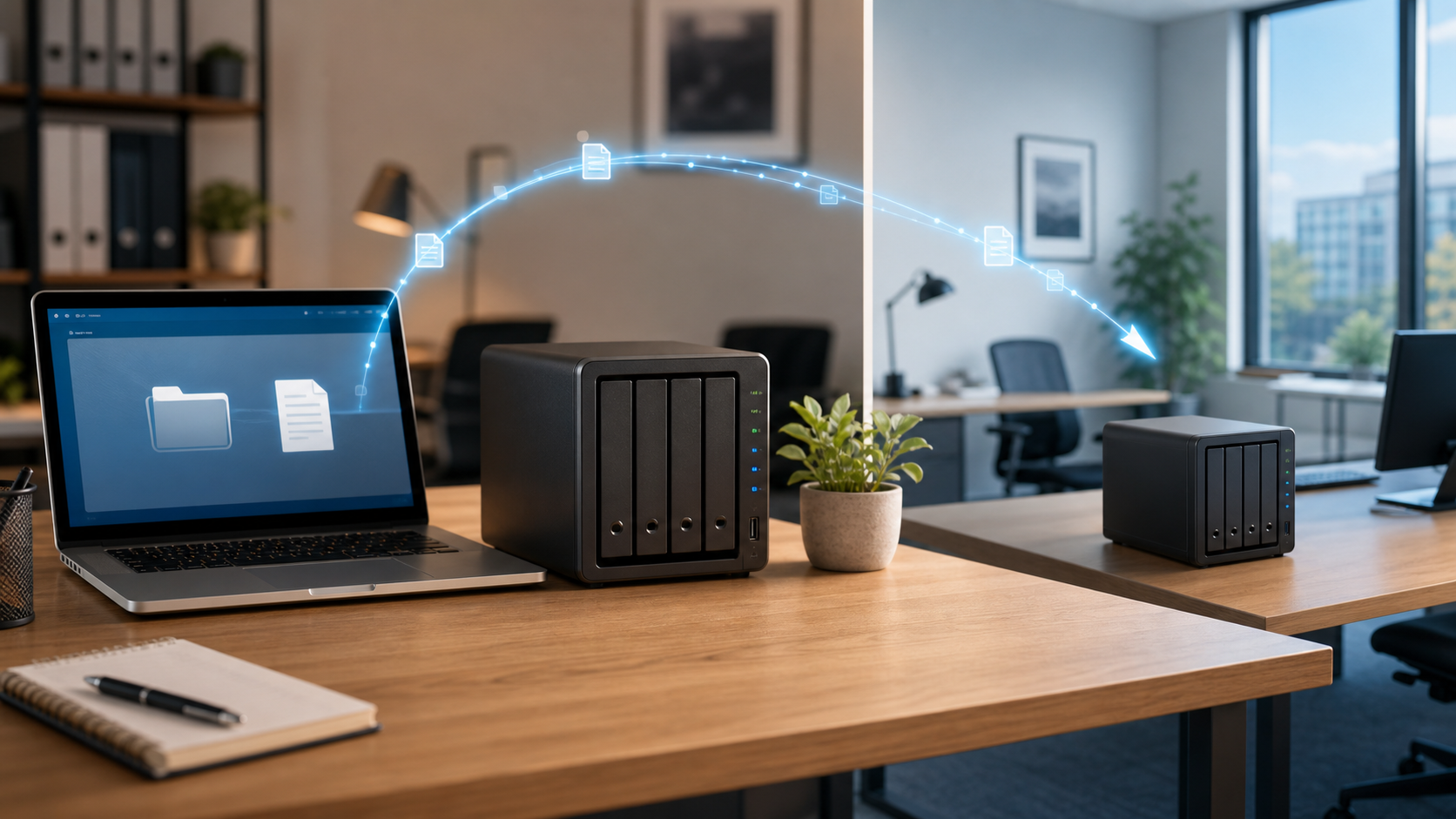
A local backup is helpful, but it is still in the same building as the original data. A second copy at another trusted client-controlled location protects the business when one location has a problem.
The simple idea
BlueStone Backup is designed for businesses that cannot afford to lose accounting records, client files, legal documents, project folders, photos, databases, or daily operational data. Instead of relying only on one computer, one external drive, or one office server, the system keeps a second copy somewhere else the client already trusts.
What it protects against
- Hardware failure, failed drives, or damaged computers.
- Accidental deletion, user error, malware, and corrupted files.
- Theft, fire, flood, storm damage, or an inaccessible office.
- Slow recovery from online-only backup systems.
Why the location matters
With BlueStone, the backup location is known. It may be another office, a branch, a home office, or another approved location. That gives the client more control and makes recovery more practical when speed matters.