
Process
How does it work?
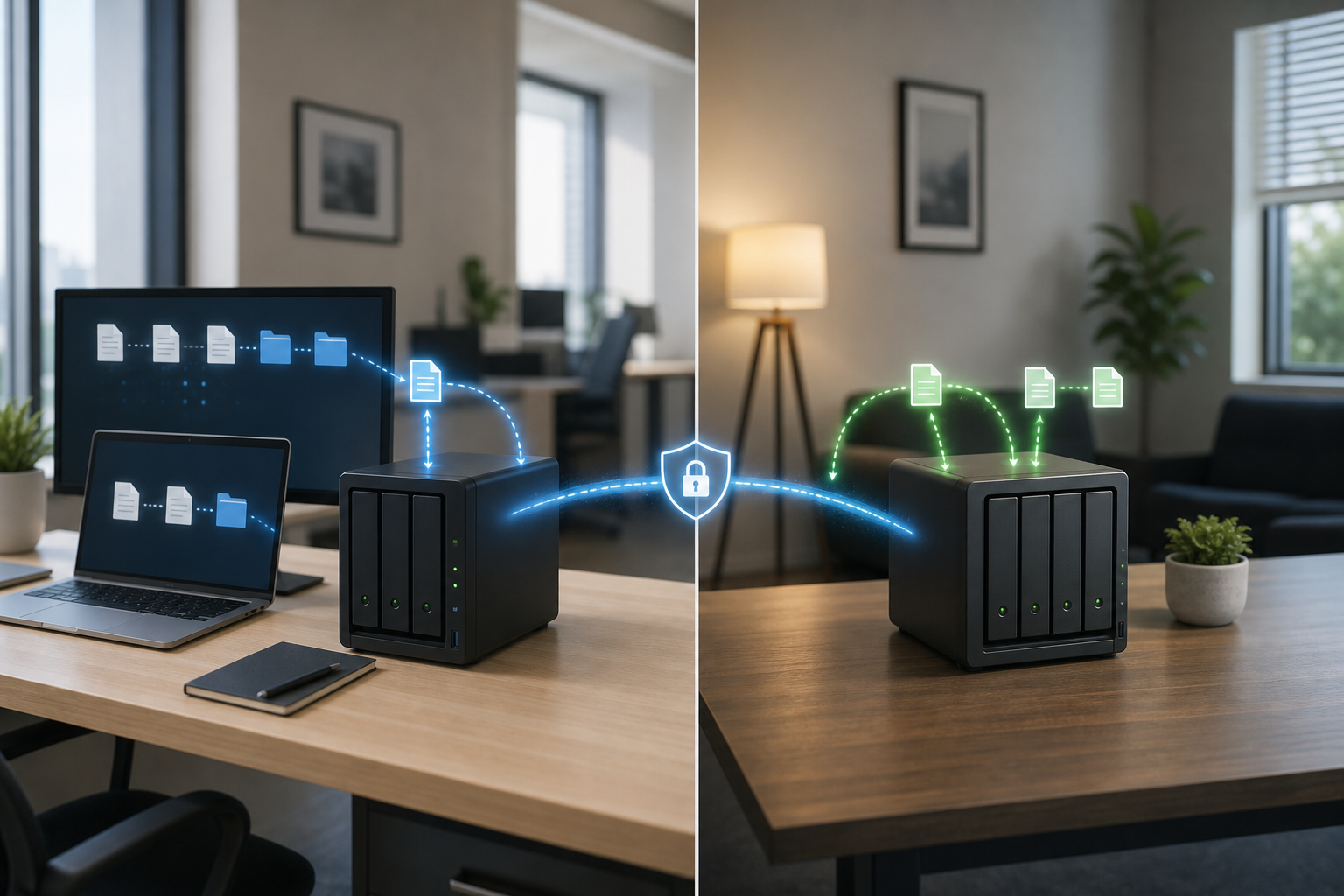
BlueStone installs dedicated backup hardware at the client's selected locations, schedules encrypted backup jobs, and helps keep data available for fast restore when something goes wrong.
1. Choose the locations
The client chooses the locations that make sense for the business. This can be location one and location two, a branch office and the main office, or another trusted location approved by the client.
2. Install dedicated hardware
BlueStone configures network attached storage for the business. The system is built around the client's data size, users, network, and recovery needs.
3. Schedule encrypted backups
Data is copied on a schedule from the business computers or server to the local backup device, then mirrored securely to the second device at another location.
4. Restore when needed
If data is lost, BlueStone can help restore selected files, folders, or larger data sets from the backup device. Since the backup is on known hardware, recovery can be faster than downloading everything from an online-only service.